
A Danville Resident Lookup Starts with Records
Start a Danville resident lookup by naming the question. A parcel lead shows an owner or a mailing address, but not every person living at the property. A court result gives a time-stamped case trail instead. Vital indexes connect an event to relatives. Business and professional records prove an affiliation, never a home address. California voter information sits behind stricter limits still. The coverage map below keeps those meanings apart so a search does not end in a tempting but incomplete name match.
| Record | What It Confirms | Where | Access |
|---|---|---|---|
| Assessment or deed | Ownership, a mailing lead, and an acquisition date | Contra Costa Assessor Maps & Property Information / ParcelQuest Lite, then the Recorder | Free parcel search; owner names omitted online; roll or deed access for verification |
| Voter status or file | Registration and status for an authenticated person or an authorized request | California My Voter Status and Contra Costa Elections | Self lookup or statutory request under Elections Code section 2194 |
| Court docket | Name variant, party role, filing, hearing, and disposition when public | Contra Costa Superior Court Public Portal and its separate Traffic Portal | Free index; copies, certification, or extended searches can carry fees |
| Vital index or copy | Birth, death, marriage, divorce, and family relationships | CDPH vital forms or the Contra Costa Clerk-Recorder | Indexes and informational copies differ from authorized certified copies |
| License or business filing | Credential, entity, agent, status, and public business affiliation | California DCA Search, bizfile, and county FBN records | Free public indexes; an entity or business address is not residence proof |
Pick the narrowest record that answers your question. A case number belongs with the court. An event and a relationship belong on the vital form. A property question starts with the APN or the deed. An index hit on a common name is only a lead.
Choose the Contra Costa Court Portal
Contra Costa Superior Court splits its main case search from traffic. The official online-services gateway routes civil, family, probate, and small-claims research to the Public Portal. Traffic runs through a separate CMS portal. The split matters. A traffic search can fail even when the name is spelled right. The Public Portal will never answer a citation query. Remote access is also narrower than a courthouse terminal for some cases. Family, juvenile, adoption, confidential, sealed, and sensitive criminal material faces those limits.
| Portal | Search field | Use or format |
|---|---|---|
| Public Portal | Case Number | Use the exact court case number when known. |
| Public Portal | Party Name | Try the person’s name and documented spelling variants. |
| Public Portal | Case category | Choose civil, family, probate, or small claims; traffic is separate. |
| Traffic Portal | Case Number | Exact traffic case number. |
| Traffic Portal | Citation Number | Exact citation number when the paper notice supplies it. |
| Traffic Portal | Party Name (Last, First MI) | Use the displayed last, first, and middle-initial format. |
For a citation, search the Contra Costa Traffic Portal on its own. Inactive traffic cases older than three years do not display there. If the search misses, turn to the clerk or a courthouse terminal. For routing, call 925-608-1000 with a case number, party name, and rough filing year.
Read a Danville Court Docket in Context
A docket is the court's running index of a case. It sets a name inside a title and a party role. It also shows a filing date, an event sequence, and a status. It is not the whole file. Public entries may list actions, hearings, and dispositions. Documents can require an order, a clerk visit, or a fee. A familiar name still needs a second attribute before it becomes your Danville resident.
A public court result may contain:
- Case title, party names and roles, counsel when entered, case number, courthouse, and filing date.
- Case type, status, register-of-actions events, hearings, and public dispositions.
- Filing, event, hearing, judgment, or disposition dates that place the name in time.
- Document links only where access rules permit them; juvenile, adoption, sealed, and confidential family material remains restricted.
The posted 2026 schedule prices copies at $0.50 per page, certification at $40, and searches over ten minutes at $15. Older files may need ordering in person.
Verify One Danville Resident with Two Attributes
Two people can both appear in Danville without being the same person. A reliable resident lookup leans on at least two independent attributes. A middle initial helps a little. A spouse or relative, an APN or legal description, a business entity, a profession and license number, an age range, or a matching event chronology carries more weight. That is especially true when the details come from a different record set. Remember the limits. Ownership is a title clue, not proof anyone lives there. And a business mailing address is not a home.
- Write the name exactly as found, including initials, married or birth surnames, trust names, and the first record’s date or place.
- Choose an independent detail, such as a relative, parcel description, license number, case date, or entity filing.
- Test the match in the proper index. Compare the APN and legal description in a deed image, not only a parcel name.
- Check a court, vital, obituary, license, or business record for chronology and relationship.
- Keep competing names separate when attributes conflict. Change the source or date range instead of guessing.
Telephone staff can explain access or confirm a file exists. They will not run broad research or release protected fields. Give the custodian a record type, a date range, and an identifier.
- Docket
- The court’s indexed case history, including public filings, events, hearings, and status entries.
- Index versus image
- The searchable pointer. The underlying deed, filing, or form image may carry the legal detail or an access fee.
- Certified copy
- A custodian-issued copy certified to match the official record, unlike an informational copy or online index entry.
Vital Records: VS 111 and VS 112
Vital records power family and estate research, yet California separates an event index from a copy that can establish identity. The CDPH forms page supplies VS 111 for birth and VS 112 for death, along with applications, amendments, delayed registrations, and the sworn statement. The applicant picks authorized or informational and supplies the locating facts.
| Applicant details | Name, address, phone or email for delivery and contact. |
|---|---|
| Record type and copies | Birth, death, or another listed event, plus the number of copies and fee. |
| Registrant or decedent | Full name, including a name at birth where it applies. |
| Event facts | Date and place of birth or death, or the event details requested by the form. |
| Parent names | Parent names, including birth surnames for birth-identification fields. |
| Relationship | Relationship to the person when an authorized copy is requested. |
| Purpose and copy type | Purpose or choice requested by the form, plus authorized versus informational. |
| Sworn statement | Eligible category, signature, date, and notarization when a mailed authorized request requires it. |
| Payment | Check or money order as directed; the form warns that incomplete payment or signatures can cause rejection. |
Authorized certified birth and death copies require an eligible relationship under Health and Safety Code sections 103526 and 103526.5, including the registrant, parent or legal guardian, certain close relatives, a court-authorized party, an attorney or representative, or another covered official. Informational copies are broader but marked not valid to establish identity. Confidential marriage records remain restricted under Family Code section 511, and adoption files under section 9200.
The County Clerk-Recorder handles known Contra Costa events; CDPH covers statewide holdings. Call the Clerk-Recorder at 925-335-7900. Listed 2026 fees are $31 birth, $26 death, $19 marriage, and $18 for the limited divorce certificate. A failed search can retain its fee.
Probate and Heir Trails in Danville
Probate gives a Danville resident lookup real power for heir hunting. A decedent's file can name interested parties, representatives, and property events. Search the decedent's name in the Superior Court Public Portal first. Then inspect public petitions, notices, case events, and dispositions. Match an heir to a vital index, obituary, cemetery record, or family source. Tie the person to a parcel only after that. An estate relationship is not current residence.
A practical heir trail moves in a short chain:
- Record the probate case number, filing date, and decedent spelling.
- Note public petitions or notices and each interested party’s role.
- Compare the relationship with vital records, an obituary, cemetery information, or a newspaper notice.
- Check deeds or estate transfers by APN and legal description, not surname alone.
Hunting a former classmate or relative? The Danville city directory collections, yearbooks, newspapers, and school folders can place a person in a given year. Adoption questions must go through official California channels.
Danville Business and License Checks
A license number often works better than a name. The California Department of Consumer Affairs search takes either one. You can narrow results by board, license type, or city. A typical result lists the legal name, license type and number, and current status. It also shows key dates, a published address, and any discipline links. Save the license number and status date. Names overlap constantly in a Danville residents directory search. The DCA license search screen is the natural first stop for a regulated professional identity.
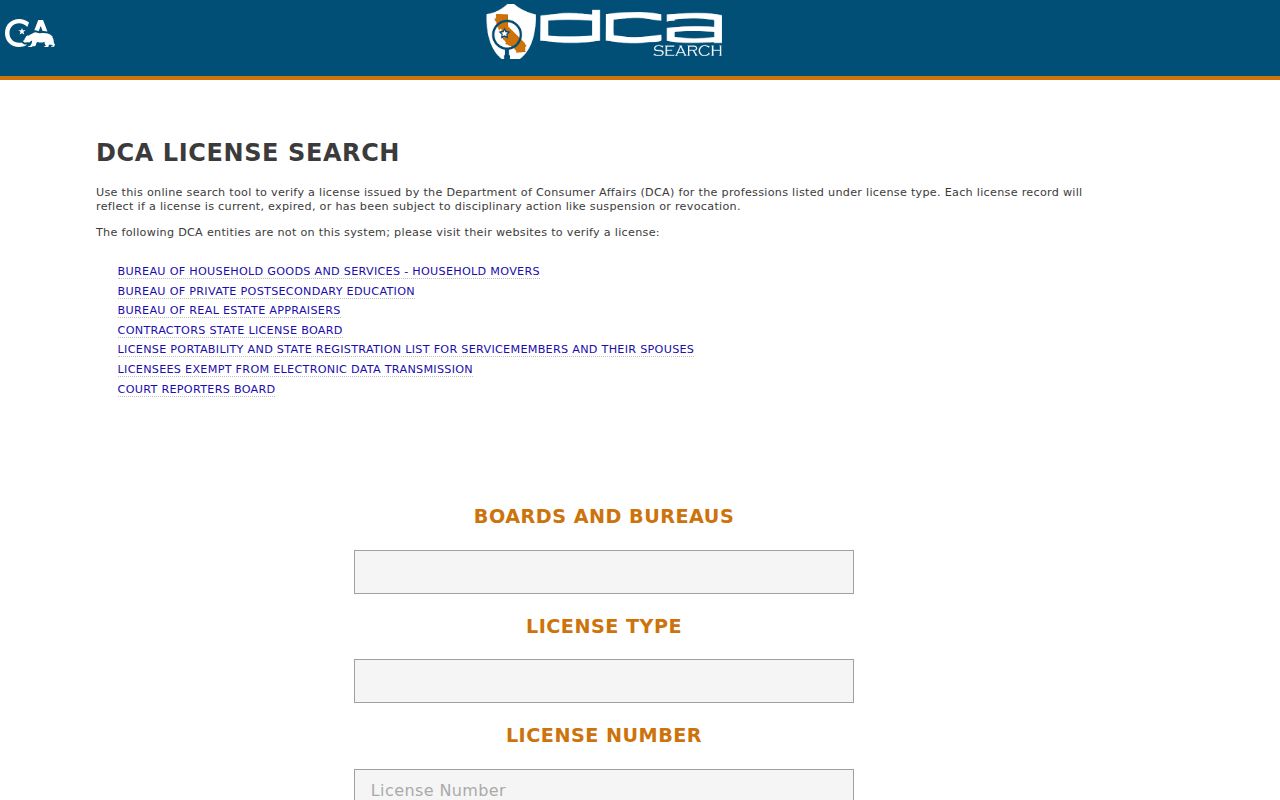
A DCA result confirms a profession, not a residence. For an entity, run the name or number through California Secretary of State bizfile Online. Compare status, formation details, addresses, agent for service, and filing images against your other leads.
Bizfile pins down the entity and its filings. It says nothing about who lives at an address. Contra Costa fictitious business names are county filings, so a business-name lead deserves a second pass through the County Clerk's FBN search. A registered agent, a business mailing address, or a permit applicant can tie a name to an operation without proving anyone's home occupancy in Danville.
Federal Court Records for a Danville Name
Not every Contra Costa case sits in Superior Court. Some matters belong to the Northern District of California instead. PACER supplies the federal party, case, and filing index. A similar name is not a state case. So keep the two systems separate. PACER is the federal starting point for a docket or document trail.
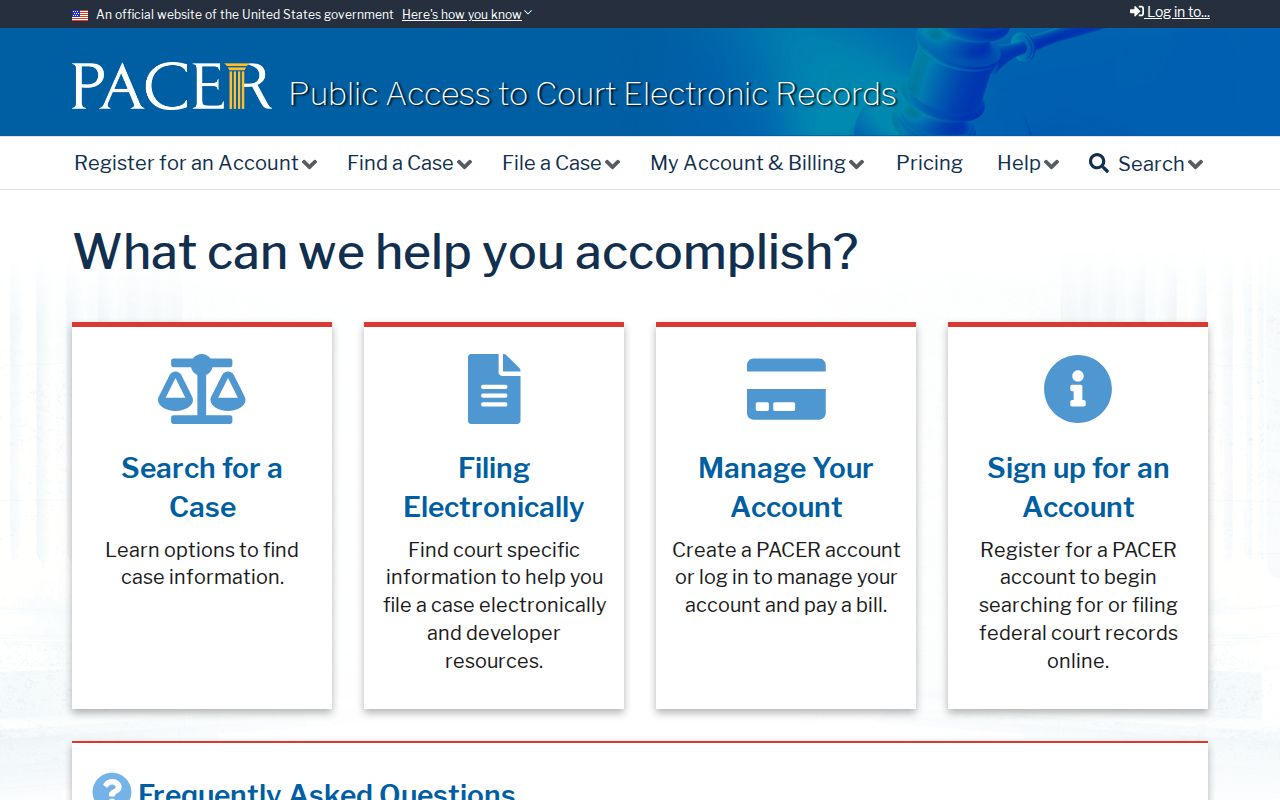
The PACER view keeps federal and state records apart; confirm the person with at least two matching attributes before trusting a hit. Northern District of California information supplies the jurisdictional check for any federal result.
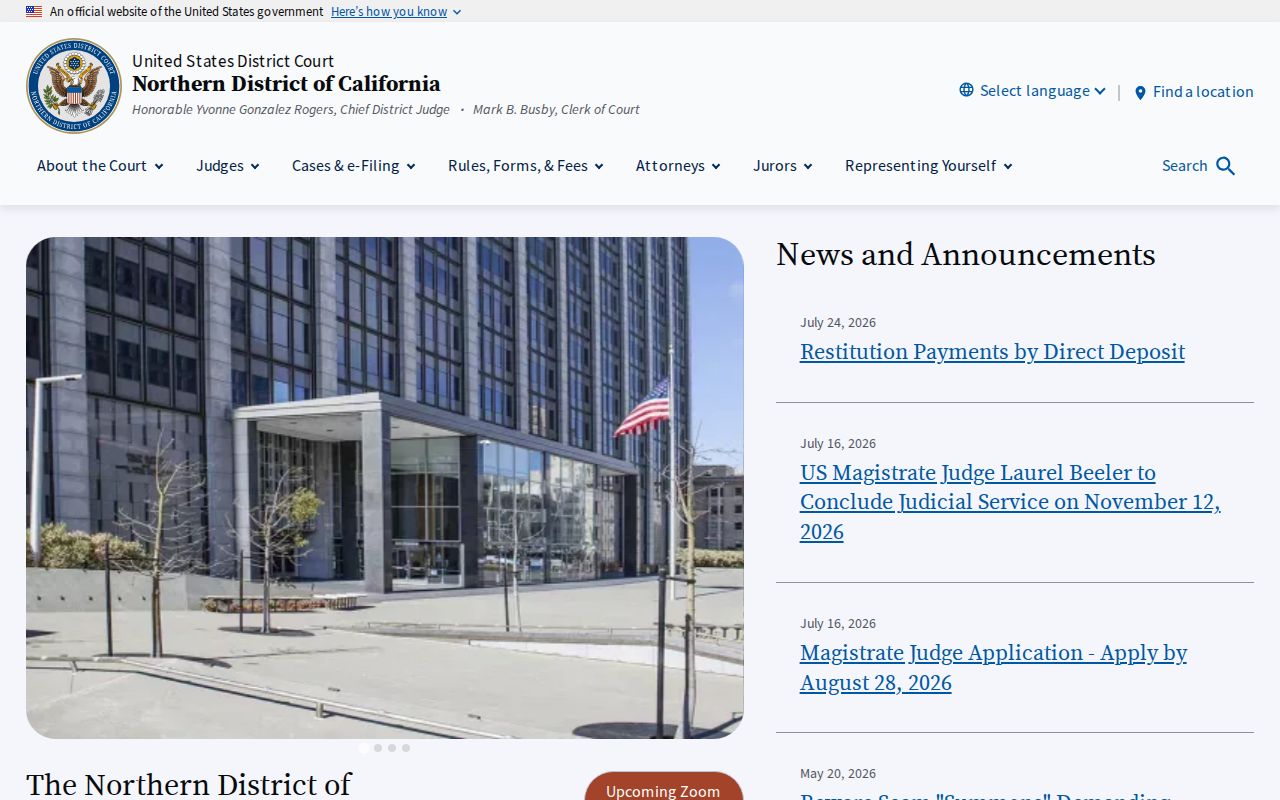
The federal record confirms a filing or party role, not a current residence.
Protected Records in a Danville Lookup
California voter rolls are not a public residents directory. My Voter Status lets an individual verify only their own registration details. A voter-information file request demands requester identity and an eligible election. The purpose must be scholarly, journalistic, political, or governmental. It also requires scope, safeguards, and a signature. Elections Code section 2194 and Government Code section 7924.000 govern access. Driver-license or ID data, Social Security numbers, and signatures stay withheld. Safe at Home records and designated public-safety records stay withheld too.
Safe at Home gives eligible participants a designated mailing address. It also provides forwarding, a service-of-process agency, and confidential voter registration. Government Code section 6209.5 can permit that address on deeds. It may also appear on change-of-ownership forms and deeds of trust. Still, the program erases no existing public records. A missing address never proves a person is absent from Danville.
For a Town record, use the Danville public-records route. Include the record, dates, department, and format. CPRA requests concern identifiable records, not private questions. Agencies generally get ten calendar days for an initial determination. A fourteen-day extension is permitted, and exemptions apply.
Lawful Limits on Danville Resident Lookup
A Danville resident lookup serves lawful purposes: family research, estate work, civic questions, or reconnecting with someone. Verify every fact with the custodian of the record. Penal Code section 646.9 addresses stalking, section 653m covers repeated harassing communications, Civil Code section 1708.7 creates a civil stalking cause of action, and the federal Driver's Privacy Protection Act limits motor-vehicle information. Public somewhere does not mean lawful for every use.
Lawful use. Use records to answer a defined personal or civic question, keep protected details private, and stop when a source indicates confidentiality. Never use a Danville resident lookup to stalk, harass, threaten, intimidate, or expose a protected person.